




Table of Contents
Major updates in phones strain older hardware, apps
If your phone feels sluggish after a major software update, you are not alone and it is not just your imagination.
Several verified technical reasons can explain why performance slows, such as background re-optimisation, increased app demands and hardware strain.
Background work post-update
When you install a major update, your phone does not just overwrite old files; it kicks off a series of background tasks to reorganise and optimise everything under the hood.
This includes re-indexing files such as photos, messages and other data, rebuilding system caches and re-configuring background services. During this “housekeeping” phase, the processor works harder and memory (RAM) gets used more, leading to temporary lag.
Another side effect is increased battery consumption. The system’s power management routines are recalibrated and until this settles, the CPU may run more slowly than usual as a form of intentional throttling to prevent overheating or unexpected shutdowns.

App compatibility, resource demand
With a new operating system, some of your installed apps may no longer be fully optimised. Developers need time to update their apps and until then, older versions might lag or behave inefficiently.
Major updates also often bring new visual features, animations or security checks that demand more processing power. Older or lower-spec phones may struggle to keep up because their hardware was not designed for the newer, heavier software.
Storage stress
Updating the operating system often requires more storage space. The update process itself creates temporary files, then system features might reserve more space in your phone’s storage.
If your phone storage is already tight, the system has less breathing room. This forces it to work harder to manage cache, temporary files and app data, which can slow down everything.
Hardware limits: RAM, aging components
Phones with limited RAM can struggle after an update. As the system and apps demand more memory, there is less “free RAM” for smooth multitasking.
At the same time, if the phone is a few years old, its battery may have degraded. Older batteries sometimes cannot supply enough power during heavy tasks. To avoid overheating or damage, the system may limit performance, making the phone feel slower.
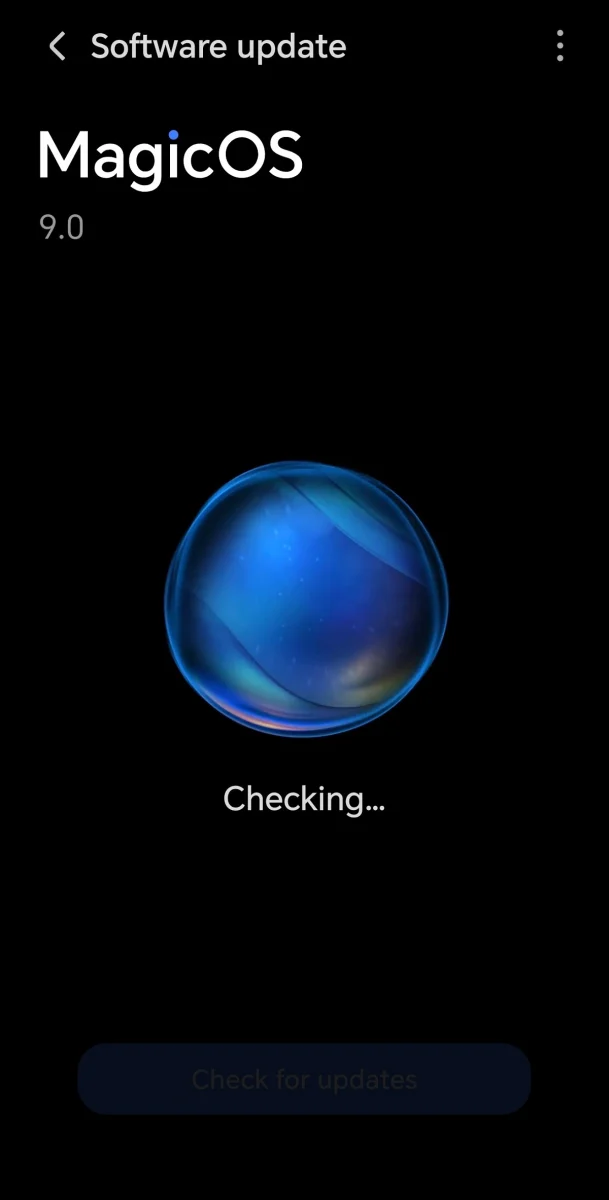
What you can do to help
• Update all apps: After a major OS update, make sure the apps are updated too. Developers may have released versions optimised for the new software.
• Free up storage: Remove unused apps, delete old files or clear cache. This gives the system more room to work.
• Be patient: Those background optimisation tasks can last a day or two. Things often return to normal as the system settles in.
• Restart or do a soft reset: This can help clear lingering temporary data and reset system processes.
• Check battery health: If the phone is old and slow after updates, a weak battery may be holding it back.
A phone feeling slower after a system update is usually not a bug so much as a side effect of all the work it is doing by reorganising, recalibrating and re-optimising.
As long as the hardware is still decent, much of that lag should fade within a day or two. Understanding these technical limits helps users decide whether to wait it out or do some clean-up.
READ MORE:
Yes tests 5G Advanced to prove faster, steadier connections
AI’s potential to improve daily life