




Table of Contents
Novice’s guide to putting together PCs
BUILDING your first personal computer (PC) can sound intimidating, especially when the parts list reads like a foreign language: CPU, GPU, RAM, SSD, PSU and motherboard.
But the actual process is closer to careful assembly than advanced engineering. With planning, patience and a screwdriver, a beginner can put together a machine that suits their needs better than many off-the-shelf desktops.
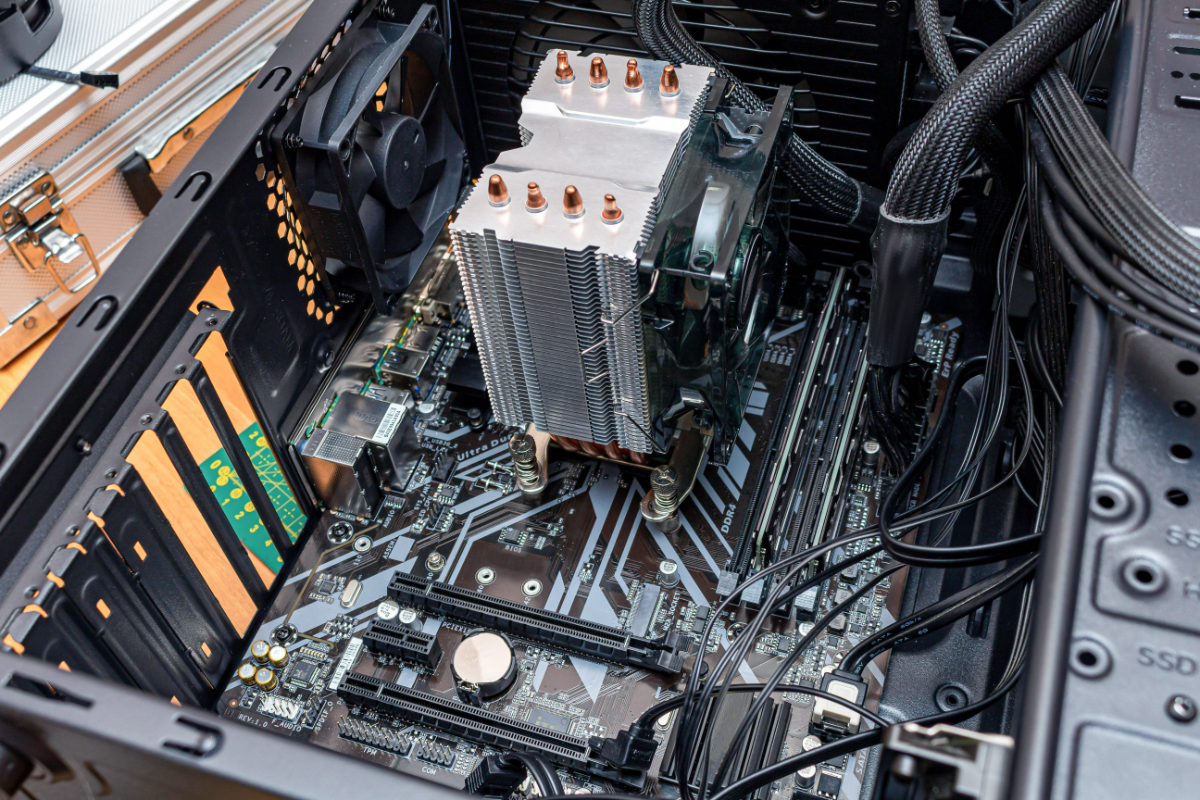
The appeal is simple. A self-built PC lets users choose what matters most, whether that is gaming performance, video editing power, storage space, quiet operation or future upgrades. It also teaches users how their computer works, making later repairs and upgrades way less mysterious.
Start with purpose
Before buying anything, decide what the PC is for. A basic home or office machine does not need a powerful graphics card. A gaming PC should put more of the budget into the graphics processing unit (GPU), especially if the goal is high-resolution or high-refresh-rate gaming. A video editor may need more random access memory (RAM) and fast storage, while a music producer may benefit from extra memory for samples and plug-ins.
This first decision prevents overspending. A beginner should not buy the most expensive parts just because they look impressive. The best PC is the one balanced around actual use.
Pick compatible parts
Every build needs a case, motherboard, computing central processing unit (CPU), cooler, RAM, storage, power supply and operating system. A gaming or creative machine will usually need a dedicated graphics card.
Compatibility is the main rule. The CPU must match the motherboard socket. Intel and AMD processors use different platforms, so they cannot be mixed freely. The motherboard must fit inside the case, usually ATX, MicroATX or Mini-ITX. The power supply must provide enough wattage for the CPU and graphics card, with the right connectors.
Beginners should use a compatibility checker such as PCPartPicker before buying. It helps flag common mistakes, including mismatched sockets, undersized power supplies and cases that cannot fit large graphics cards.
Do not cheap out on the power supply
The power supply is one of the least glamorous parts of a PC, but it is one of the most important. A poor-quality power supply unit (PSU) can cause instability or damage components. Choose a reputable brand, enough wattage for the system and preferably a modular or semi-modular design to reduce cable clutter.
For most first builds, an 80 Plus Gold-rated unit from a known maker is a sensible starting point. Leave some headroom for future upgrades.
Prepare the workspace
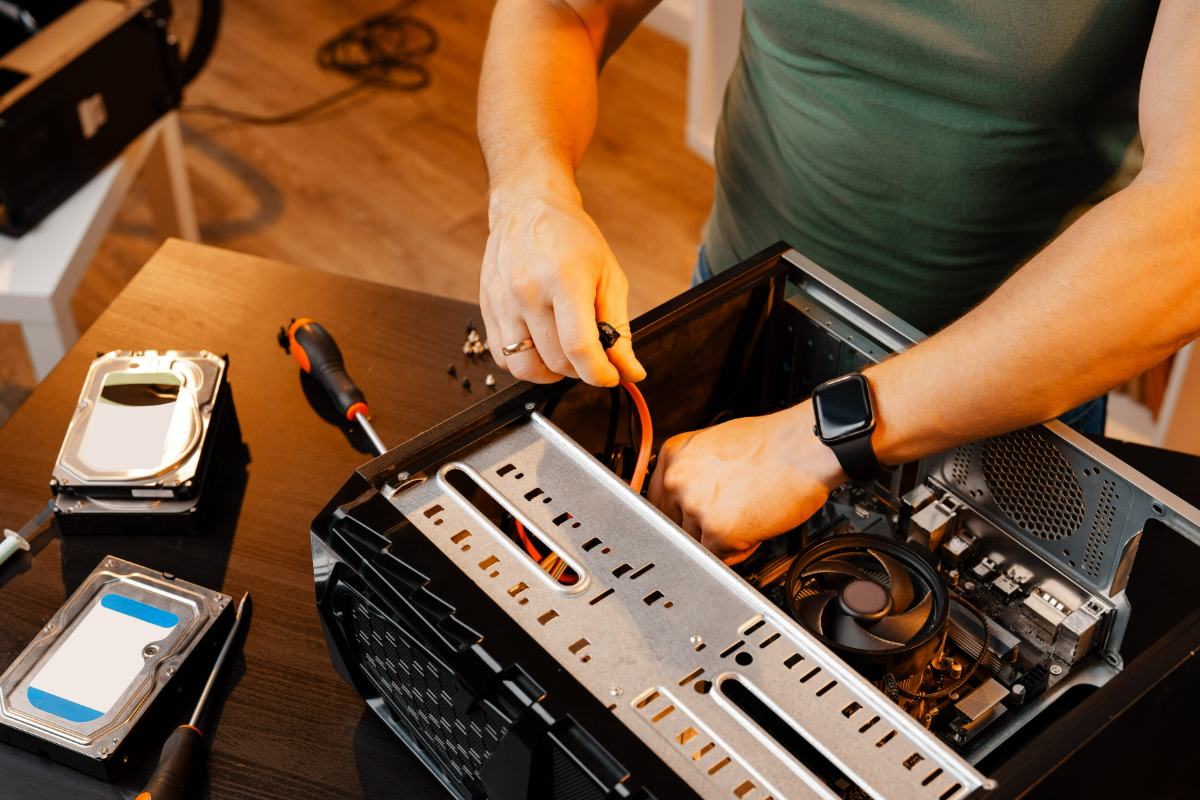
Build on a clean, flat table with good lighting. Keep food and drinks away. A Phillips-head screwdriver is essential, while a magnetic parts tray, cable ties and a torchlight can make the process easier. Touch a grounded metal object before handling components to reduce static risk.
Read the manuals, especially the motherboard manual. Many first-time mistakes happen because a cable is placed on the wrong header or RAM is installed in the wrong slots.
Build in stages
Start by placing the motherboard on its box. Instal the CPU carefully, lining up the triangle marker and never forcing it into the socket. Then install the RAM in the recommended slots and attach the M.2 SSD. These steps are easier before the motherboard goes into the case.
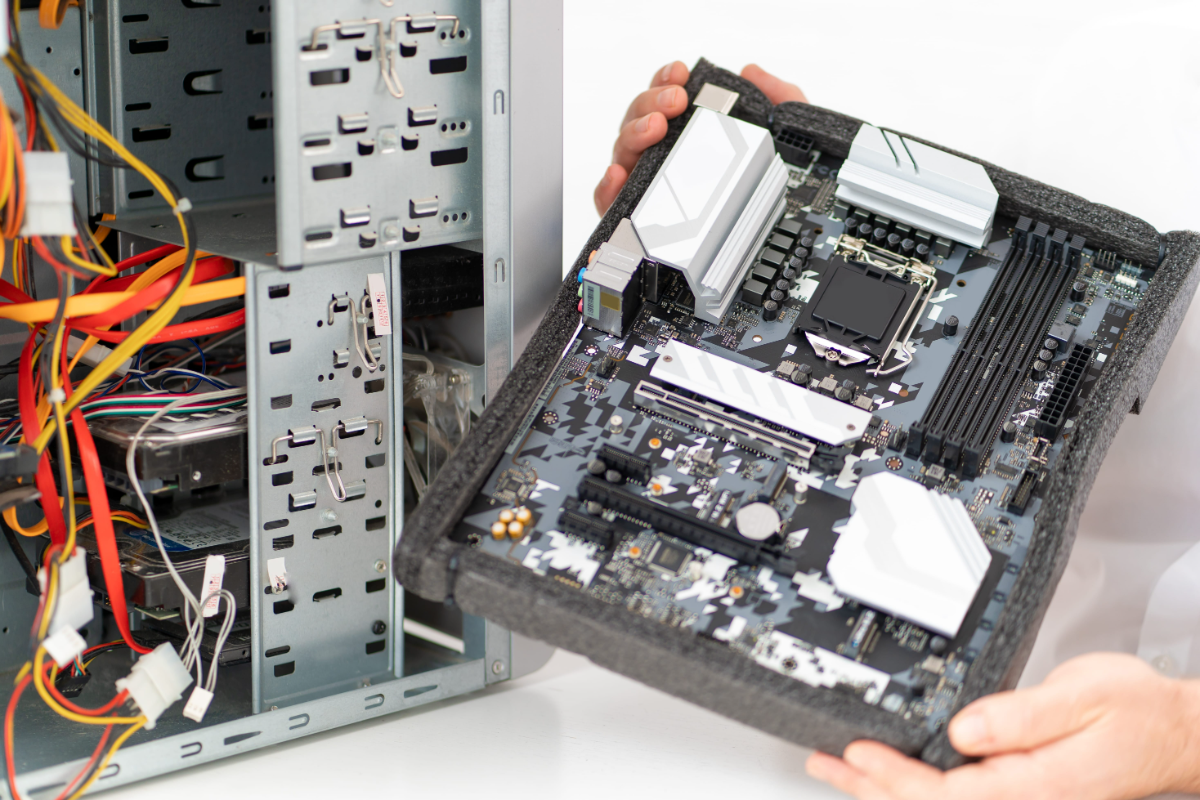
Next, prepare the case by checking the standoffs. The motherboard should sit on these small metal mounts, not directly against the case. Screw the motherboard into place, then connect the front-panel cables for the power button, USB ports and audio jack.
After that, mount the CPU cooler. Some coolers come with thermal paste pre-applied. If not, use only a small amount. Instal the power supply, route the main motherboard and CPU power cables, and connect any case fans or storage drives.
The graphics card usually goes in last because it is large and can block access to other areas. Instal it in the top PCIe slot, secure it with screws and connect its power cable.
First boot and setup
Before closing the case completely, connect a monitor, keyboard and mouse. Plug the display cable into the graphics card, not the motherboard, unless the PC uses integrated graphics.
Power on the system and enter the BIOS. Check that the CPU, RAM and storage are detected. Enable the correct memory profile, usually XMP for Intel or Expo for AMD, if supported. Then instal Windows or another operating system from a USB drive.
Once on the desktop, run system updates, instal graphics drivers and check that all fans are spinning properly.
Why it is worth doing
Building a PC is not just about saving money. In some cases, a prebuilt machine may cost about the same. The stronger reason is control. Users decide where the money goes, avoid weak generic parts and leave room for future upgrades.
A first build also removes the fear of opening a computer. Once users understand how the parts fit together, replacing RAM, adding storage or upgrading a graphics card becomes routine. The final result is a machine built around personal needs, with the added satisfaction of knowing exactly what is inside.
READ MORE:
‘E-waste management: How to dispose old tech safely
New PCs and displays for sharper setups
What happens to forgotten devices after a shiny upgrade